Trust and youth safety
Earning the confidence of the adults responsible for young people
Before a single student signs in, a district, workforce program, college or employer needs to know what a platform will and will not do with young people. These are the commitments we make, in plain language, and the claims we deliberately do not make.
Connecting Students to Opportunities™
Partner with us
Students are not our product
We do not sell student information, we do not advertise to students, and we do not use third-party behavioural tracking where students work. Student information is not publicly searchable.
Adult contact is supervised
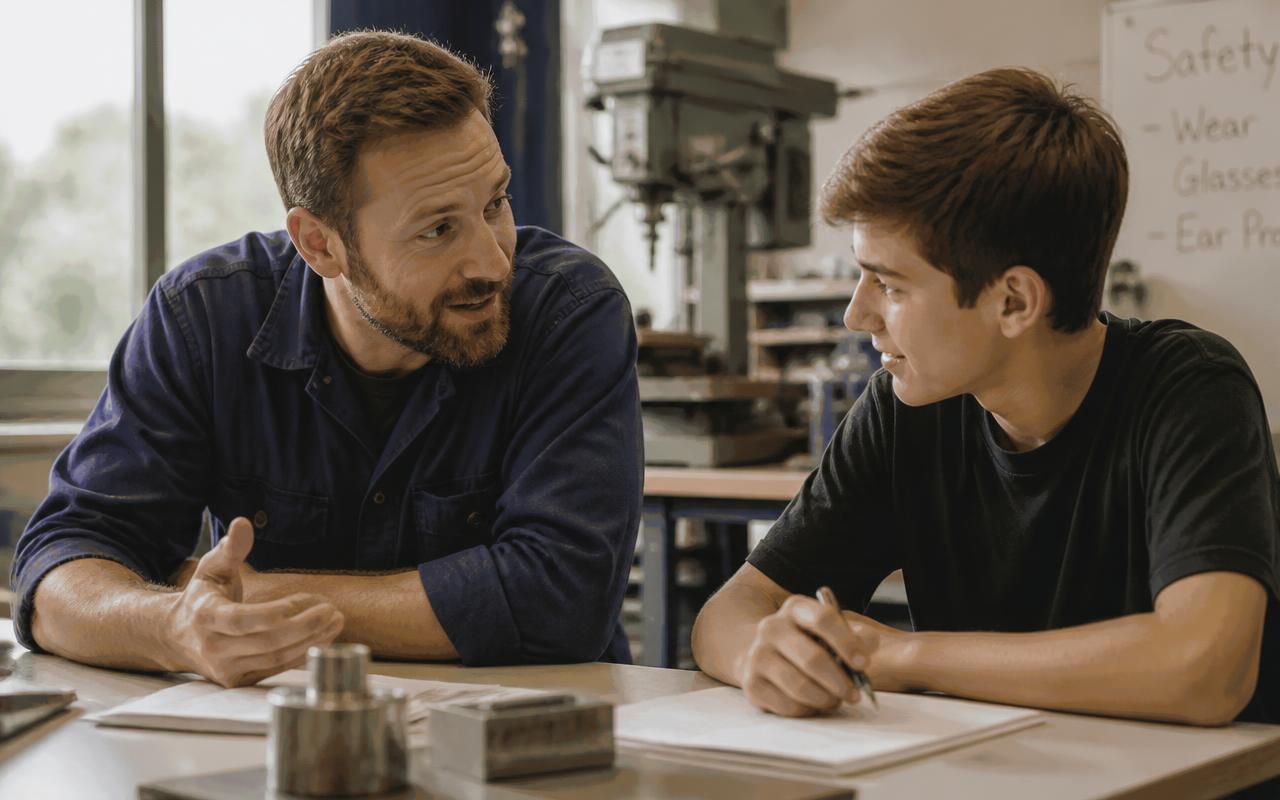
Mentoring and employer conversations happen in supervised, age-appropriate settings arranged through the sponsoring organization. Unrestricted private contact between adults and minors is not something we offer at any price.
Each organization stands alone
A district, program, college or company works only with the young people it is responsible for. Partners do not browse another organization's students.
Families are part of the picture
Students and their families can see what a student has built and understand who is able to view it, in language written for families rather than for lawyers.

Accessibility is a design requirement
We build to WCAG 2.2 AA — keyboard operation, visible focus, labelled controls, adequate contrast, reduced-motion support and captions on media. We have not completed an independent audit and we do not claim conformance we have not earned.
We do not overstate what we are
Career experiences here are educational. They are not employment, paid internships, job offers, placements or endorsements, and we describe them that way to students, families and partners alike.
What we will not claim
- No certification, conformance or audit badge appears anywhere in the product.
- No customer logos, testimonials or outcome statistics we cannot stand behind.
- No guarantee of admission, employment, wages or placement for any student.
- No partnership implied with an organization that has not agreed to one.
Questions partners ask us first
Who owns what a student builds?
The student's career portfolio belongs to the student. Institutional information belongs to the sponsoring organization. Both can be taken with them.
Do you advertise to students?
No. We do not advertise to students and we do not sell student information. That commitment is written into our partnership agreements.
Can our team run a review before we commit?
Yes. Privacy, youth safety and accessibility practices are all reviewable with your IT, legal and safeguarding teams before any student signs in.
What happens when a partnership ends?
Your organization decides in advance what students take with them and what is removed, and we hold to that agreement.
Do you evaluate students with facial or emotional analysis?
No. We do not perform emotion, facial, accent or personality inference on any student recording, ever.
What service commitments come with a licence?
Availability and support commitments are agreed in the order form for the plan your organization purchases.
Raising a concern
A safety concern raised by a student reaches the responsible organization's own staff first, because they are the people who can act on it. Institutional partners and security researchers can reach the My Student Recruit™ team directly through their organization contact.